Introduction
I always assumed the free trial of Business Central lasted 30 days, with a potential extension to 60 days (90 days if a partner relationship has been made), however if you dig into the details of the trial FAQ you’ll see this isn’t the case.
In this post I’ll go through the Microsoft FAQ documentation to highlight how every trial of Business Central will essentially last forever. (small caveat that I highlight below)
Microsoft Trial FAQ
When you create a trial of Business Central, the trial will effectively last forever.
This is explained in the Microsoft Trial FAQ here and below is a snippet from the FAQ explaining this.
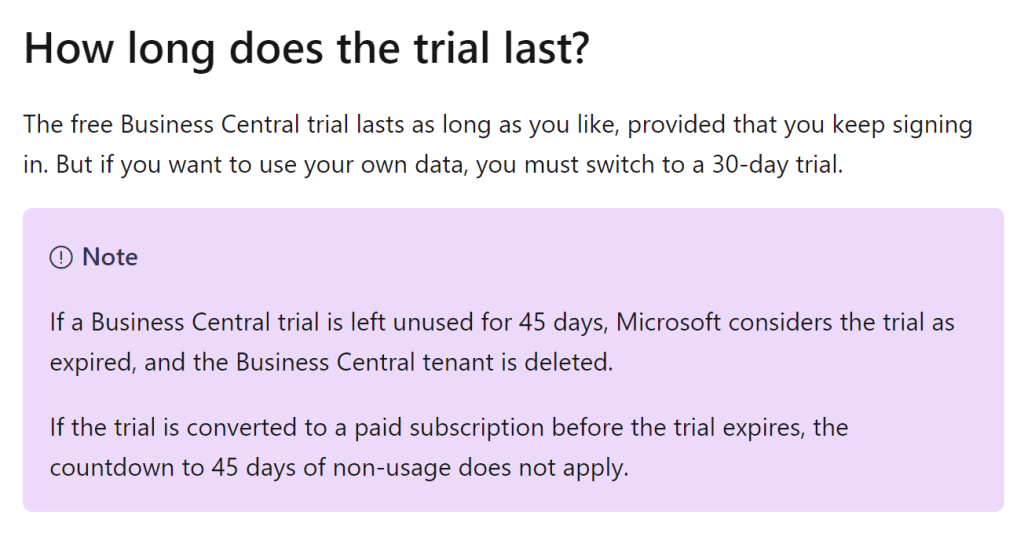
This allows you free, unlimited access to experiment with and test all the amazing features of Business Central within the demo company, Cronus.
However, as soon as you create a new blank company the 30 day trial will begin as explained in the FAQ I referenced above and explained below.
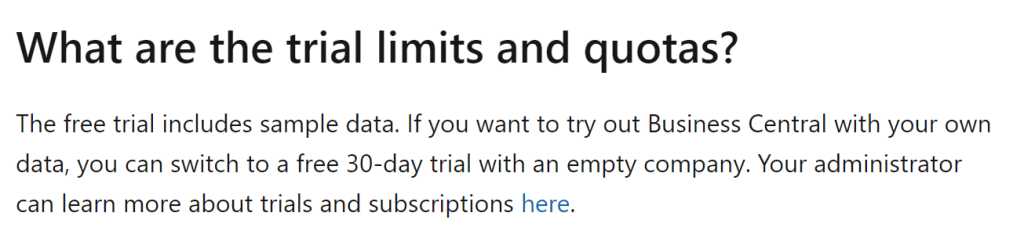
I’ve also found that even if you do create a new company and activate the trial, its only that company that will no longer be accessible once the trial expires. You’ll still be able to log in and access the Cronus demo company.
The 30 day trial only seems to affect production
Finally on investigation it seems the 30 day trial limit is only initiated if you create a blank company in the Production environment of Business Central.
I tested this by creating a new company in the Production environment and selecting “Production – Setup Data Only” and the message of the trial period is displayed

However when I select the same option in the Sandbox environment the trial message doesn’t appear.

Conclusion
In summary, as per Microsoft’s Trial FAQ, once the trial of Business Central is activated its available indefinitely. (If not left unused for 45 days)
Thanks for reading!
 thedynamicsexplorer.com
One thought on “Dynamics 365 Business Central – How long does the Free Trial of Business Central last?”